RROs in Rec Room: A New Semester
Official Rec Room Original-style activities: classics, new entries, parties, and discovery tips for Early Access.
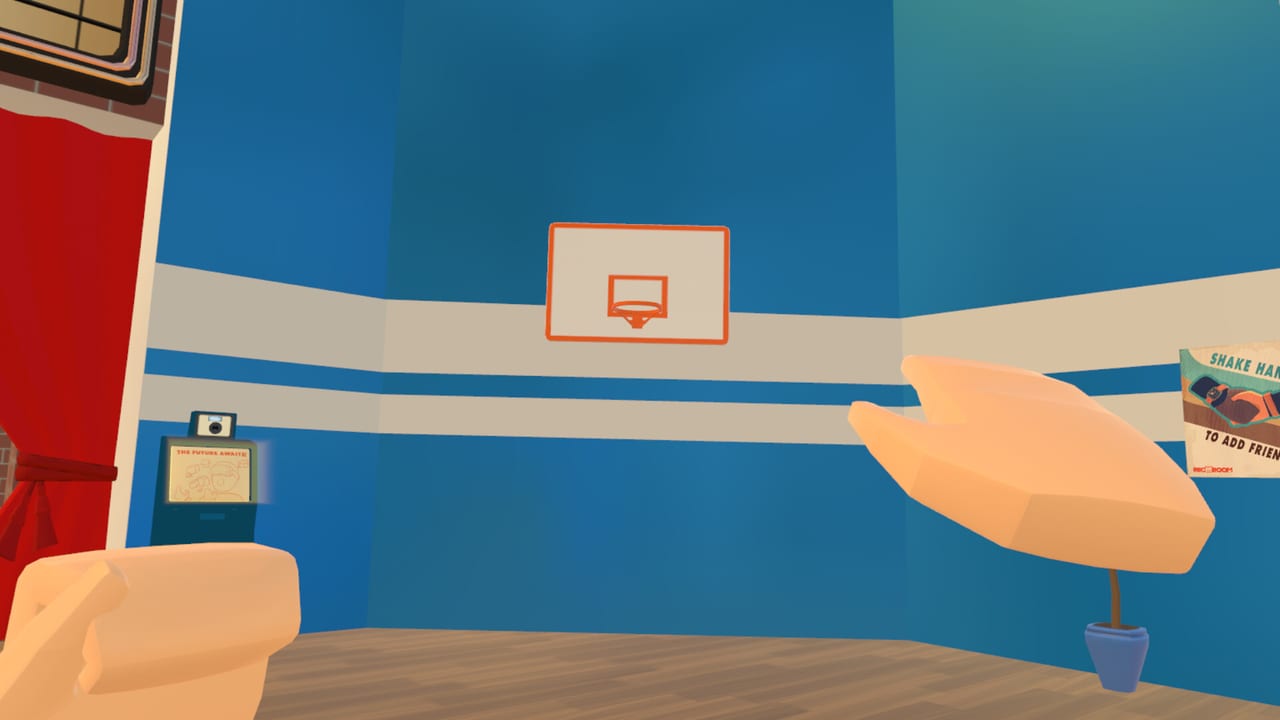
RROs (Rec Room Original-style official activities) are a core pillar of Rec Room: A New Semester (RR:ANS). If you came from social VR sandboxes, you already know the vibe: curated, replayable experiences that sit above random public rooms — paintball-style arenas, quests, sports, and co-op challenges designed to teach movement, teamwork, and the social loop. RR:ANS is a free Thunderstorm Games / Bypasser Steam Early Access title (November 24, 2026), not affiliated with Rec Room Inc., and the team has stated plans to ship all classic RROs plus new ones over time.
This guide explains what RROs are in RR:ANS, how to find and play them during Early Access, how to party up without stranding friends, and how official activities connect to Story Mode, the Creator Pen, and day-one habits from Getting Started.
What an RRO is (and is not)
An RRO is an official activity experience — polished enough to recommend to new players, balanced for parties, and maintained as part of the product rather than a one-off UGC experiment. Community rooms can be brilliant, but they vary wildly in quality, moderation, and script stability. RROs are the “known good” playlist when you want a shared language with strangers and friends.
| Content type | Who makes it | Best use |
|---|---|---|
| Official RROs | Studio / curated originals | Teach skills, reliable co-op, party nights |
| Story episodes | Narrative track | Menu progression and plot — see Story Mode |
| Creator Pen rooms | You and the community | Custom games, hangouts, experiments — see Creator Pen |
| Seasonal hubs | Events (e.g. Rec Center) | Cosmetics and social traffic — see Codes |
RROs do not replace story mode, and they are not microtransaction gates. RR:ANS is free forever with no MTX. Treat RROs as skill and social gyms, not paywalls.
Classics plus new — what Early Access means
Developer messaging is clear: RR:ANS intends to include all original RROs players remember from the broader Rec Room-style catalog and to add new official activities. During Early Access that catalog will arrive in waves:
- Day-one / launch week: Expect a starter set of official activities so parties have somewhere reliable to go. Exact titles and modes can still shift between Steam news posts — verify in-client.
- Near-term EA: Additional classics and new RROs as networking, matchmaking, and Creator Pen tooling stabilize.
- Longer Road to 1.0: A fuller official playlist that sits beside Workshop story mods and community UIs.
Do not assume every trailer montage room is playable on November 24. Use Steam news and the official Discord (discord.gg/EBqDcGxC2q) when an RRO you love is missing — it may be scheduled, not cancelled.
How to find and launch RROs
Exact UI labels will iterate in Early Access, but the discovery pattern in social sandboxes is consistent. Build this habit:
- Finish onboarding and comfort settings (Getting Started, VR Controls).
- Open the in-game destination / activities browser from the watch or main menu.
- Filter or tab toward official / RRO / featured activities rather than sorting only by “most players.”
- Read the player count, mode tags (solo-friendly vs party-recommended), and any Early Access “WIP” badges.
- Launch into a fresh instance when tutorials matter; join populated instances when you want chaos and mentors.
If a room script hides your watch, use the force-open habit covered in VR Controls (watch button / TAB on desktop). That matters more in competitive RROs than in quiet hangouts.
Party tips that actually save sessions
RR:ANS ships friends, parties, invites, private messages, and profiles. RROs punish disorganized groups:
- Form the party before you queue. Inviting mid-match often strands people in different instances.
- Align spoiler and skill expectations. A story-adjacent RRO is a bad place to drag someone mid-episode; a sports RRO is a bad place to teach brand-new locomotion.
- Pick a host with stable hardware. Mixed PCVR parties (Quest-via-PC, Index, Vive, PSVR2) should meet the VR Headsets bar so one friend is not the bottleneck.
- Use private messages for callouts when voice is noisy — especially useful in objective modes.
- Teach one route, then rotate roles. Helping others beat RROs is literally on the developer’s community-help themes; mentoring keeps lobbies friendlier than gatekeeping.
Desktop players can still enjoy many RROs. Confirm bindings and UI scale before blaming “broken matchmaking.”
Desktop vs VR in official activities
Some RROs feel better in headset (spatial audio, physical dodging). Others are fine on flat screen for strategy and social chat. A practical split:
- Prefer VR for movement-heavy or immersion-first activities once comfort options are dialed in.
- Prefer desktop when you are learning menus, managing invites, or recovering from motion discomfort.
- Switch mid-session if needed — RR:ANS emphasizes customizable keybinds and decluttered UI, which helps both paths. Deeper remapping notes will live under Keybinds & UI as that page expands with Workshop UI packs.
How RROs connect to story and creation
Official activities and narrative are complementary:
- Clear RROs to warm up teamwork before a Story Mode chapter night.
- Use story breaks to run a classic RRO so parties do not burn out on cutscenes.
- Study RRO pacing, spawn logic, and prop readability, then rebuild lighter versions in the Creator Pen for friends.
- When the December SDK and later Workshop land (room imports; avatars by request; UI / keybind / story mods), community versions of official ideas will multiply — label difficulties and required player counts honestly.
The evolving main menu (void → crack → rays → expand → burst toward the field presentation) tracks story progress, not RRO medals. You can main official activities forever and still enjoy the sandbox; story just adds a visible meta progression if you want it. Players who dislike the animated menu can disable that presentation in settings when the option is available — see the Roadmap.
First-week RRO plan
- Day one: One official activity after Rec Center orientation (Getting Started).
- Day two: Same RRO with a full party; practice invites and role calls.
- Day three: Try a second official activity with a different movement profile (e.g. ranged vs traversal).
- Day four: Build a tiny practice room in Creator Pen that mimics one mechanic you failed.
- Weekend: Alternate story episodes and RROs; claim seasonal cosmetics without skipping sleep — Winter Wonderland starts December 1 at the Rec Center.
Sportsmanship and Early Access etiquette
Early Access means softlocks, odd spawns, and unfinished onboarding. Good RRO citizens:
- Report bugs with activity name, party size, headset, and repro steps via Steam or Discord.
- Avoid spoilers for story-linked experiences in public voice.
- Do not harass players in Commons cosmetics — rarity boxes from 1-Star through 8-Star Gaming Legends are fashion, not ranked MMR.
- Ignore fake “RRO unlock codes.” Free cosmetics and events are tracked on the Codes Hub; scams love free-to-play launches.
Related reading
- Guides Hub — full tutorial map
- Getting Started — install and first hour
- Story Mode — episodes and menu stages
- Creator Pen — build your own activities
- Achievements — Steam Achievements expectations
- Updates Hub — patch and news digests
Master a few RROs early and the rest of RR:ANS opens up: parties trust you, Creator Pen experiments get sharper, and story nights have a shared warm-up ritual. Official activities are the handshake of this sandbox — learn them, teach them, and leave every instance a little kinder than you found it.
Frequently Asked Questions
Quick answers for Rec Room: A New Semester players.
What does RRO mean in Rec Room: A New Semester?
RRO refers to official Rec Room Original-style activities — curated, replayable experiences maintained as part of the game, separate from random community rooms.
Will RR:ANS include classic RROs?
Yes. The project plans to include all classic RROs plus new official activities. Exact availability will expand across Early Access waves.
How should I party up for RROs?
Form a party and align expectations before launching. Use invites so everyone lands in the same instance, and pick a host with a stable PCVR or desktop setup.
Are RROs required to finish story mode?
No. RROs complement story episodes and social play. The evolving main menu tracks story progress, not RRO clears.
Can I build my own RRO-like games?
Yes. Use the Creator Pen for custom activities now, and watch the December SDK plus later Workshop tools for imports and sharing.