Rec Room: A New Semester Players & Social Hub
Friends lists, parties, profiles, and practical etiquette for RR:ANS sessions.
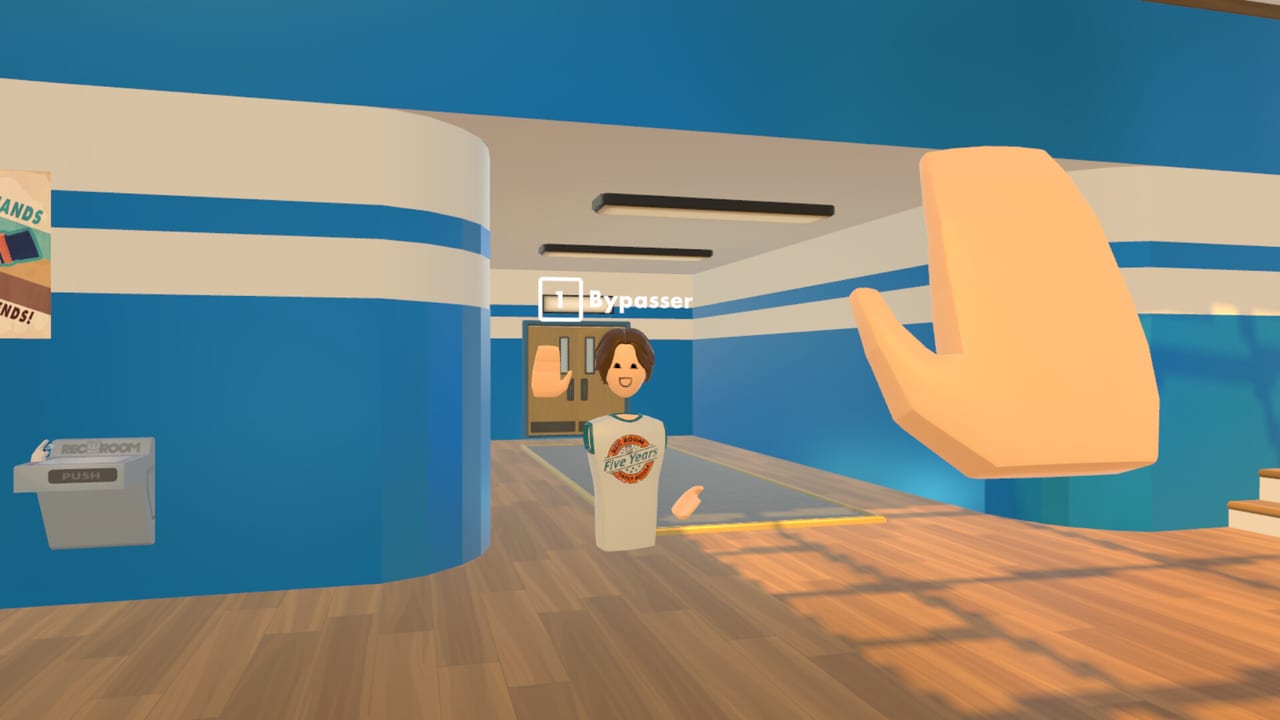
The Players Hub focuses on the social layer of Rec Room: A New Semester: friends, parties, profiles, invites, and the soft skills that keep PCVR lobbies fun. RR:ANS is a free forever sandbox with no microtransactions, so the “meta” is often who you play with—not what you bought. Pair this hub with Getting Started on day one and the Launch Guide before November 24, 2026.
This wiki is unofficial and not affiliated with Rec Room Inc.
Why social systems matter in EA
Early Access will iterate UI, but the problems stay familiar: friends cannot find your room, voice overlaps Discord, one Quest-via-PC player never finishes Link setup, or someone flexes Gaming Legends gear while blocking spawn points. Solving those issues is half the game. Hardware blockers belong on VR Headsets and System Requirements; behavior blockers belong here.
Profiles and first impressions
Your profile and avatar are the handshake. Before chasing 8★ items on the Tier List:
- Pick a readable display name.
- Finish a starter outfit you are willing to be screenshotted in.
- Set privacy defaults you understand (who can invite, who can join).
- Add a short bio if the build offers one—humor helps.
- Verify your microphone in SteamVR / OS settings.
Profiles also help creators recruit playtesters for Creator Pen rooms (Creator Pen) and December SDK experiments (Roadmap).
Friends list habits that scale
- Add people after a good session, not during a chaotic tutorial.
- Note how you met (lobby hockey, story co-op, workshop draft) in a personal Discord memo.
- Re-add after username changes when EA account tooling shifts.
- Keep a “PC VR ready” mental tag so you do not invite standalone-only Quest friends by mistake.
When promo codes eventually appear, share them in friends DMs carefully—prefer official announcements from Links over random screenshots.
Parties: size, roles, and meeting plans
Launch weekend parties work best small (3–5) until servers prove stable. Assign lightweight roles:
| Role | Job |
|---|---|
| Host | Picks room, manages moderation tools |
| Navigator | Watches Guides checklist for the night’s goal |
| Tech | Helps Link/SteamVR issues using Tools pages |
| Social lead | Greets drop-ins, sets tone |
Agree on a backup room name and a Discord voice channel before you launch. If in-game voice fails, switch without drama.
Invites, joins, and cross-platform clarity
Everyone needs the Steam PC client. Mixed headset parties are fine—Index, Vive, PSVR2 PC, Quest-via-PC—but Quest standalone paths will fail. Send the VR Headsets page in the invite thread. Desktop-only friends can still socialize; set expectations if a room is VR-locomotion heavy (VR Controls).
Etiquette that prevents kicks
- Do not blast music through voice chat.
- Ask before recording or streaming someone’s avatar.
- Keep Cosmetics flex friendly—see Cosmetics Guide.
- Leave Creator Pen props tidy in shared rooms.
- Respect personal space; VR proximity hits different.
- Avoid spoiling Story Mode beats mid-lobby.
Toxicity is rarer when parties start with a stated goal: “fashion runway for 20 minutes, then story chapter.”
Hosting public vs private spaces
Public rooms are great for serendipity and terrible for SDK stress tests. Use private or friends-only spaces when importing avatars/rooms in December, when practicing complex Creator Pen gadgets, or when helping a new player through Getting Started. Public spaces shine for RRO-like activities and seasonal lobby mingling during Winter Wonderland.
Accessibility and comfort in groups
Not everyone wants smooth locomotion or full-height standing play. Hosts should:
- Offer teleport-friendly rooms.
- Announce jump scares in horror UGC.
- Schedule stretch breaks during long cosmetic grind nights.
- Describe visual hazards for players prone to VR discomfort.
Comfort settings guidance lives in VR Controls; enforcing them socially lives here.
Conflict resolution cheat sheet
- Pause voice, switch to text if yelling starts.
- Host restates the room rules once.
- Use mute/block/report tools when available.
- Move cooperative friends to a new private room.
- Document repeat offenders—do not re-invite “for content.”
Free-to-play social games attract trolls precisely because the client is free. Moderation is part of playing.
Coordinating around the roadmap
Share calendar beats so friends show up together:
- Nov 24, 2026 — EA launch night (Launch Guide).
- Dec 1–25 — Winter Wonderland cosmetic streak nights.
- December SDK — creator playtest evenings.
- Patch days — read Updates before blaming friends’ “bad internet.”
Growing a regular crew
Weekly rituals beat giant one-off discords. Examples: Monday Creator Pen jam, Wednesday story co-op, Friday fashion show using Tier List themes. Post ritual reminders via the channels listed on Links. Keep rituals short enough for minimum-spec players to enjoy without overheating laptops.
Metrics that actually matter
Ignore vanity metrics beyond fun. Useful party stats:
- How many friends could join on first try?
- Did everyone understand controls within ten minutes?
- Did you finish the night’s goal?
- Anyone motion sick?
- Any hardware debt to fix before next session?
Those questions improve sessions faster than chasing only Gaming Legends drops.
Bottom line
RR:ANS is a social PCVR sandbox—friends, parties, and profiles are the progression system you feel every night. Set clear invites, mix headsets carefully, host with empathy, and use the rest of the wiki for mechanics while this hub keeps the human layer sharp. When in doubt, smaller parties, clearer goals, and kinder flexes win Early Access.
Frequently Asked Questions
Quick answers for Rec Room: A New Semester players.
How do I prepare friends for launch night?
Share System Requirements and VR Headsets links early, form a small party, pick a Discord backup, and agree on a first meeting room.
Can Quest friends join without a PC?
No. Quest standalone is unsupported. They need a PC VR link/streaming setup and the Steam client.
What size party works best in Early Access?
Start with about 3–5 players until you know server stability, then scale up for public lobby nights.
How should we handle toxic players?
Mute, block, report if tools exist, and move your crew to a private room. Do not re-invite repeat disruptors.